

Use this when
- Implementation is staffed, but the customer cannot name who to email or what is due next week.
- Welcome sequences fire on “user created” while the buying committee has not met you.
- Onboarding ends and the CSM starts from zero because nothing was written down.
- You are about to paste a membership welcome-email template into HubSpot.
Do not use this when
- There is no signed customer. Stay in first ten.
- You still mix education and implementation in one job. Split that in customer onboarding first.
- The product is truly self-serve and the only job is in-app empty states. Do not invent a professional-services packet. Define the relevant states before configuring lifecycle email.
Keep this in mind
The customer should be able to answer, from one document: who we are, what we asked them, what happens by when, and where help lives. If that requires a tribal Slack thread, you do not have onboarding communication. You have hope.How to do it
Step 1: Separate standard messages from account-specific work
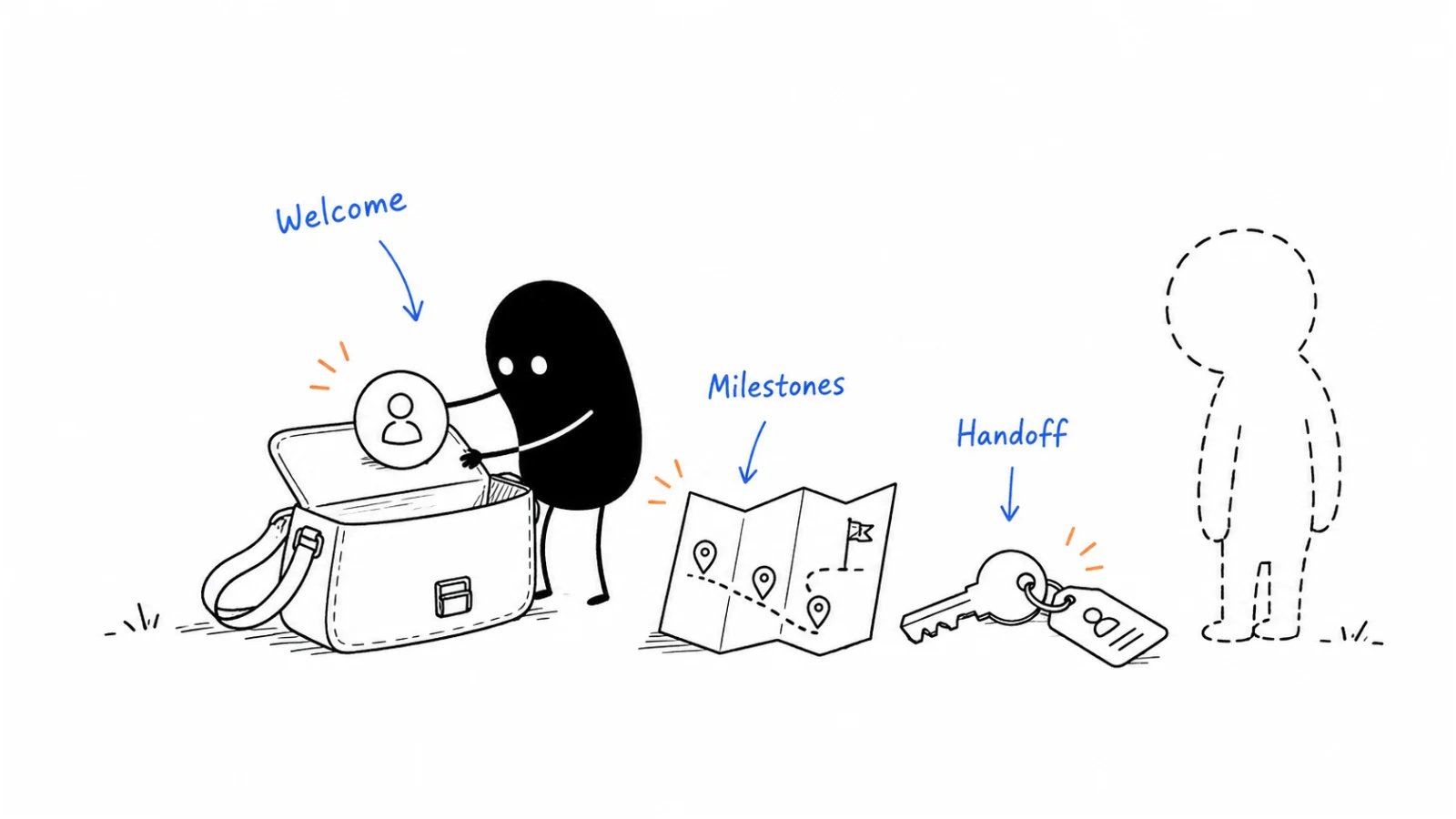
Every new customer (product-shaped): welcome that matches how they actually start (seat created vs company signed), a nudge if they never take the first action, first-run guidance, empty states that teach instead of looking broken. This customer (human-shaped): first meeting on the calendar, a packet with their names and dates, an intake due before or on that call, a named celebration when an early milestone you both defined actually happens. Do not automate the packet as if it were a drip. Do not staff a CSM to write empty-state copy.Step 2: Prepare one useful welcome packet
A working packet is:- People — named points of contact and what each is for (implementation vs book vs support).
- Intake — what you still need from them (who uses it, goals, current stack, migration, why they bought). Sales notes are a start; they are not the intake. Due date on the first call.
- Timeline — length, date range, each row: due date, the meeting or task, the objective (what “done” looks like). Guidelines, not a punishment calendar—they may go faster.
- Help — trainings to complete, articles to read, how to reach support (hours, what CS will not ticket) versus the named human.
Step 3: Use the packet during kickoff
Before you talk: confirm the people who must be there (including IT if migration is real). On the call: introductions with roles and locations; timeline and intake due date; where help lives; their current process and the outcome they bought; next steps dated. Walk the order form as onboarding already requires. The agenda is a memory aid. The CRM still holds what sales knew.Step 4: Confirm completion and the ongoing relationship
If a specialist ran implementation and a CSM/AM owns the book, the customer gets: new person (cc’d), what they own, how to get support, that the work to date is documented. The internal note is the real asset: contacts and how to reach them, decision-maker who is not in the tool daily, what the company does and how it makes money, goals hit, challenges left, remaining asks, extra training or SKUs already named. A “welcome to your CSM” email with no note is how QBRs become archaeology.Worked example (illustrative)
Sales-assist ops tool. Six-week assisted onboarding. Not a HubSpot import guide.Copy: communication one-pager (fill)
- Automation that fires for every logo (and what must not auto):
- Packet: people · intake due · timeline rows · help vs support:
- First-call must-have seats:
- Early milestone we will celebrate (and how):
- Customer-facing handoff: new owner, scope, support path:
- Internal handoff note: contacts · decision-maker · goals hit · leftover work:
Before you start
- Packet matches the signed scope, not a generic “community” letter.
- Intake has a due date tied to the first call.
- Timeline rows have objectives, not only meeting names.
- Support hours and “what CS will not ticket” are written.
- Automation cannot fire before the company is actually a customer.
- If two humans own the journey, the customer and the CRM both get a handoff.
- No pasted membership email as the live sequence.
Metrics
Do not count packets designed, or resemblance to a Pavilion welcome template, as communication.
Common mistakes
- Welcome drip on user-signup while the contract is still in legal.
- Packet with headshots and no timeline objectives.
- Intake that duplicates the CRM and ignores why they bought.
- First call with no IT when migration is on the order form.
- Handoff email, empty internal note.
- Celebrating “logged in” as a milestone they did not care about.
- Copying another company’s email—including a member checklist with HubSpot help-center examples—as if it were your motion.
What to read next
The work those messages sit on is customer onboarding. Who owns the book after handoff is customer success. A new CS leader’s first 90 days are CS-leadership ramp. Named-account depth is account planning.Sources and evidence boundary
This is an owner-maintained operating synthesis. It is not a licensed onboarding product, not a HubSpot how-to, and not an email legal review. Automation versus per-logo work, a four-part packet (people, intake, timeline with objectives, help), a first-call agenda that uses that packet, and a customer-facing plus internal handoff when the specialist leaves are distilled from an operator customer-onboarding packet (Pavilion-circulated template). That file is a method prompt, not a source to copy. Its sample emails, HubSpot help-article titles, gift-to-the-office ideas, and placeholder dates are not imported. Pavilion is listed in RESOURCES.md; membership is not required.Copyright © 2026 Ivan Xu. All rights reserved. See the copyright and reuse terms. Canonical source: github.com/weilun88313/B2B-Playbook